Learning Dashboard
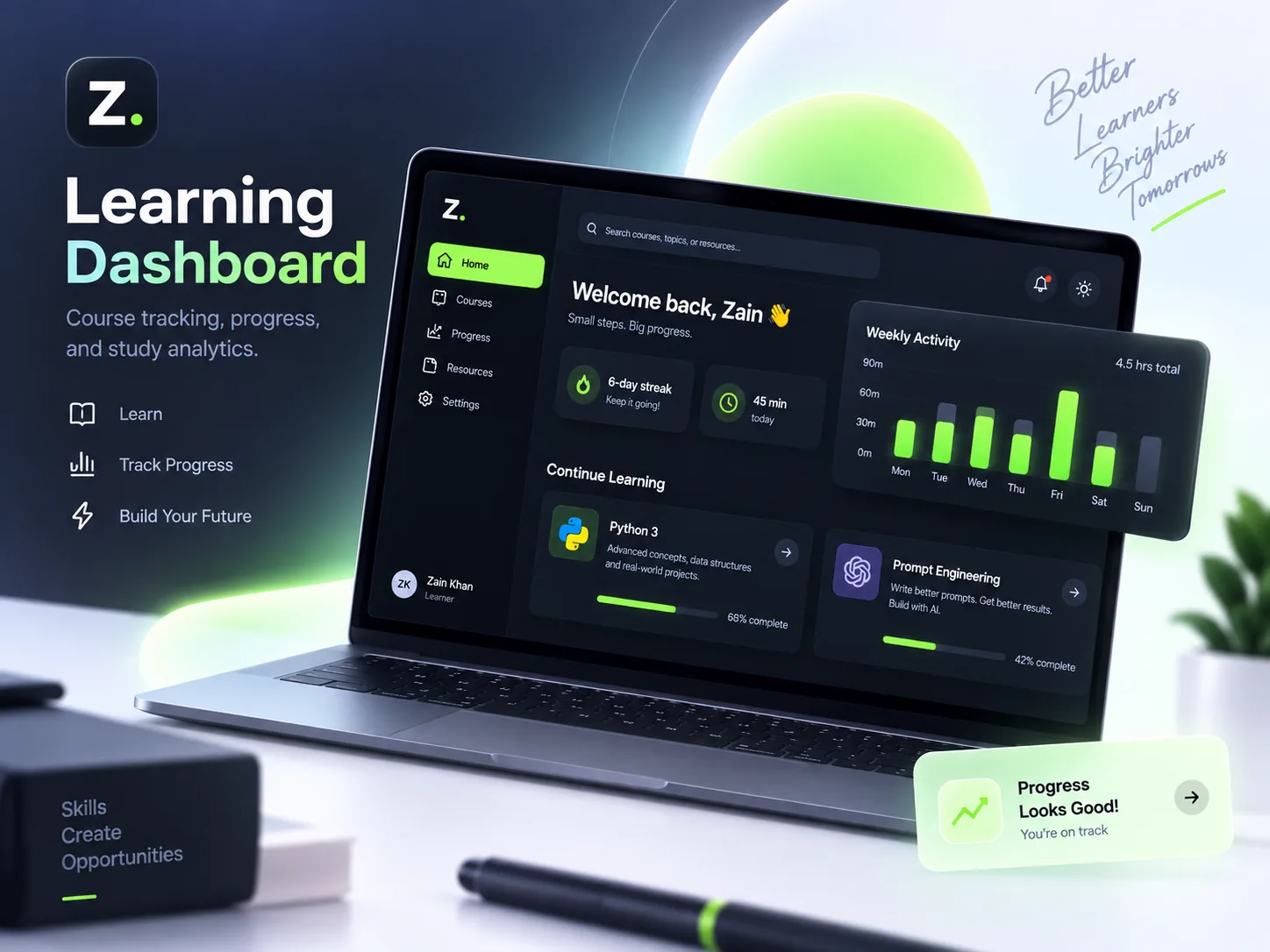
A minimal learning platform concept that helps users track courses, monitor progress, build study habits, and stay consistent — all in one calm workspace.
Client
Personal Project
Timeline
Prototype
Platform
Web App / PWA Concept
Tools
Framer, Figma, Local Storage concept, AI-assisted planning
The Learning Dashboard is a web app concept designed to help learners organize courses, track progress, monitor study streaks, and stay consistent with personal skill development. The idea is simple: learning becomes easier to continue when progress is visible. The dashboard turns courses, time spent, weekly activity, and streaks into a clear interface that encourages small daily progress.
Approach
The approach started with identifying what learners need most: clarity, focus, and motivation. Instead of designing a complex learning management system, the dashboard focuses on the essential information a learner needs to keep going. The concept maps the learning journey around active courses, completion progress, study time, streaks, and simple resource access.
- Identify key learner needs: simplicity, focus, and consistency.
- Prioritize active courses and visible progress.
- Use habit-based elements like streaks and weekly activity.
- Keep the interface minimal and easy to scan.
Vision & Innovation
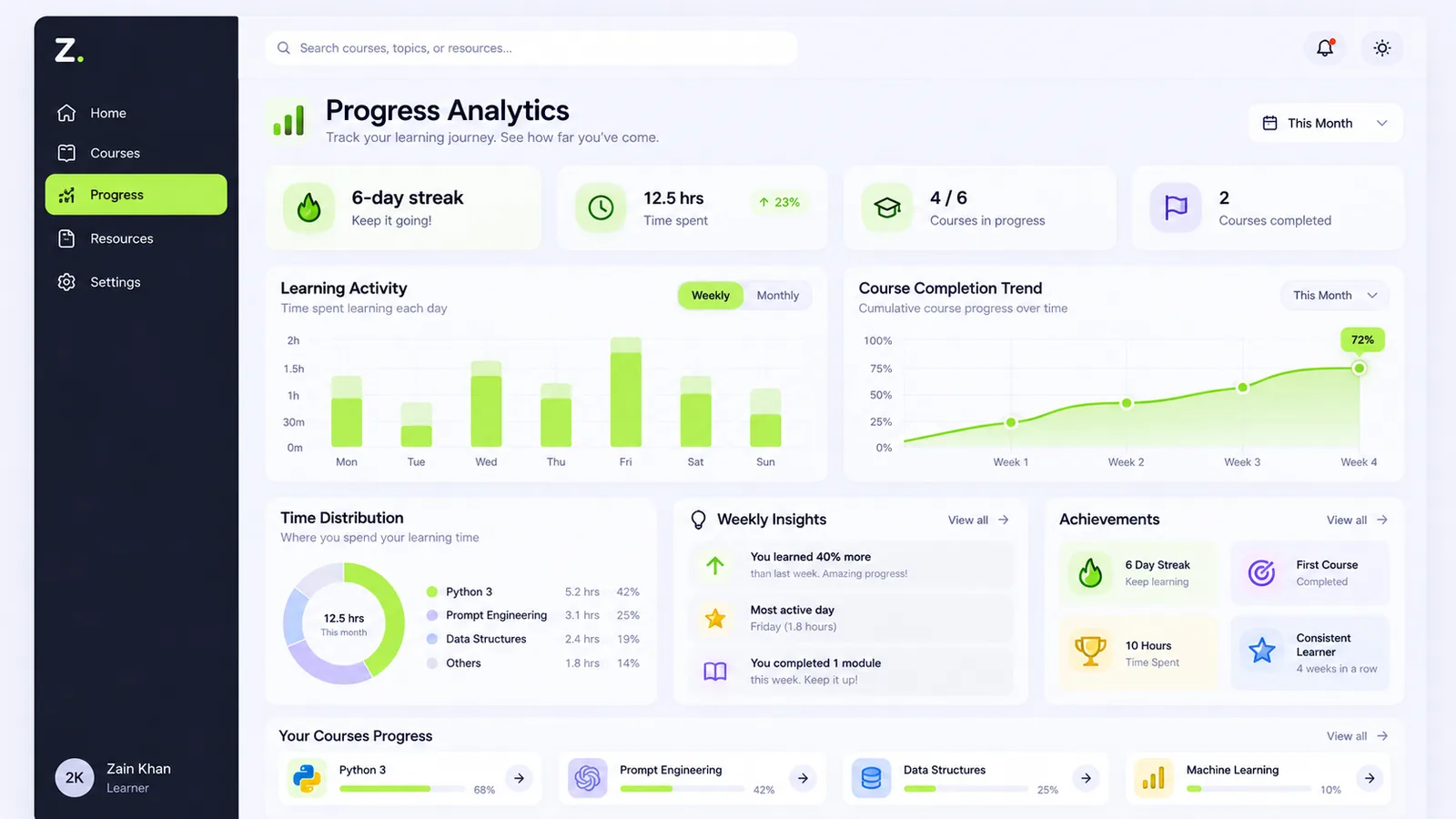
The vision is to make learning feel manageable and motivating. Instead of overwhelming users with too many features, the dashboard creates a calm environment where progress is easy to see and small wins feel rewarding. The innovation is in combining clean interface design with habit-building cues.
- Make progress visible at a glance.
- Turn learning into a repeatable habit.
- Reduce friction around choosing what to study next.
- Build motivation through simple visual feedback.
Challenges
The main challenge is creating value without overcomplicating the experience. A learning dashboard can quickly become too crowded with charts, filters, modules, and content categories. Another challenge is persistence — for a prototype, the system needs a simple way to remember user progress, preferences, and activity without requiring a full backend.
- Keeping the interface simple.
- Avoiding too many features.
- Making progress tracking meaningful.
- Handling basic data persistence in a lightweight way.
Resolution
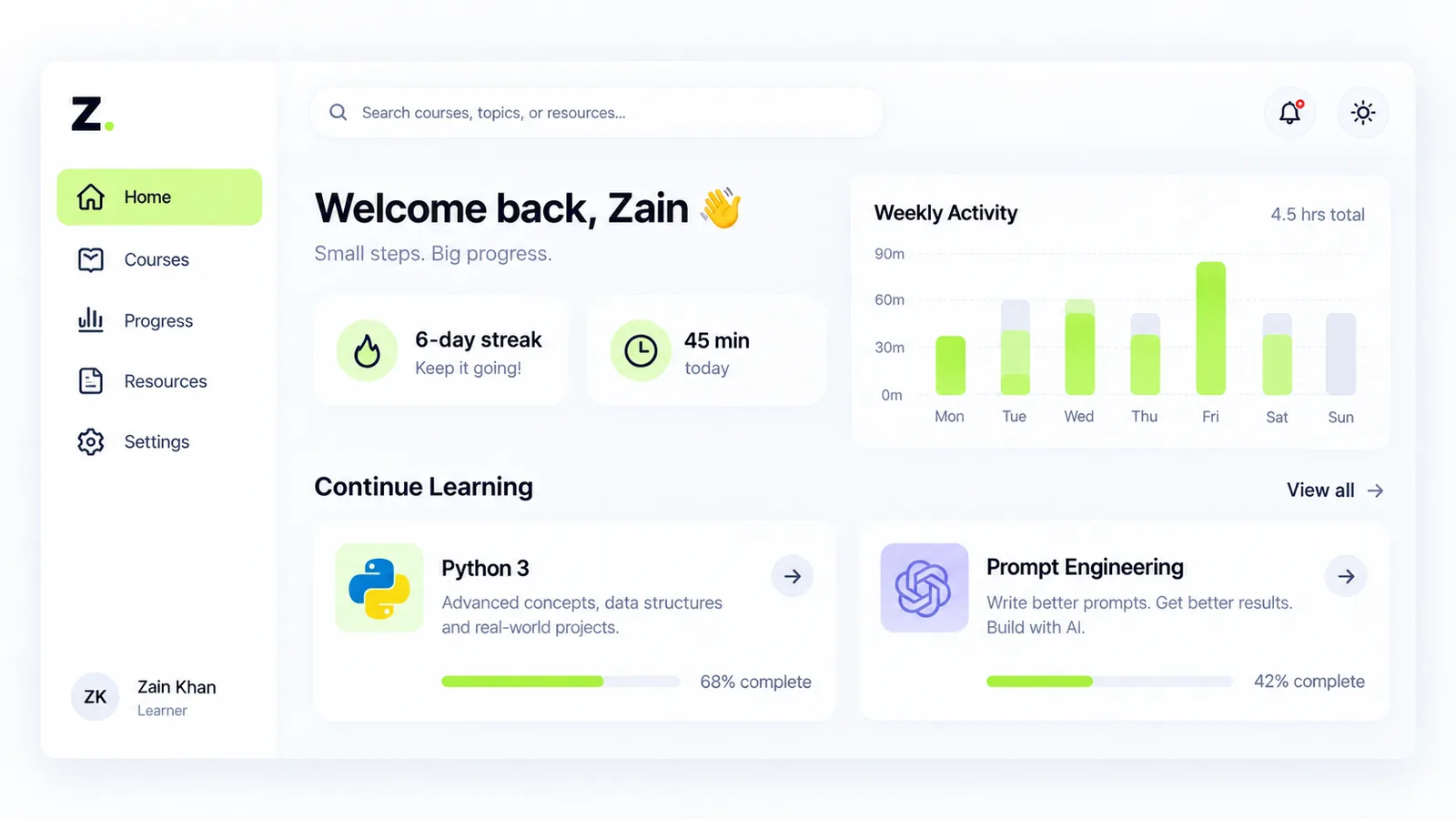
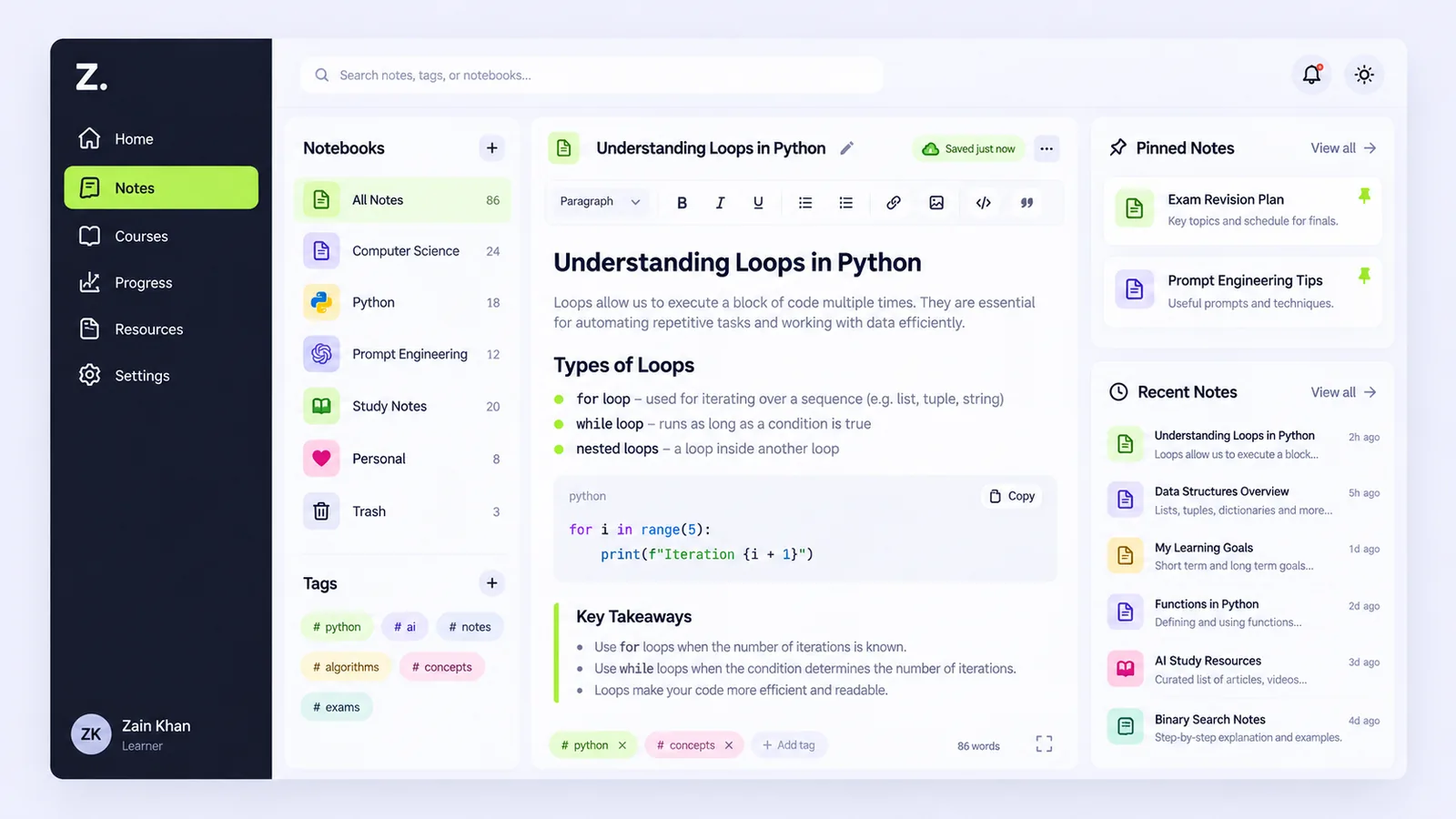
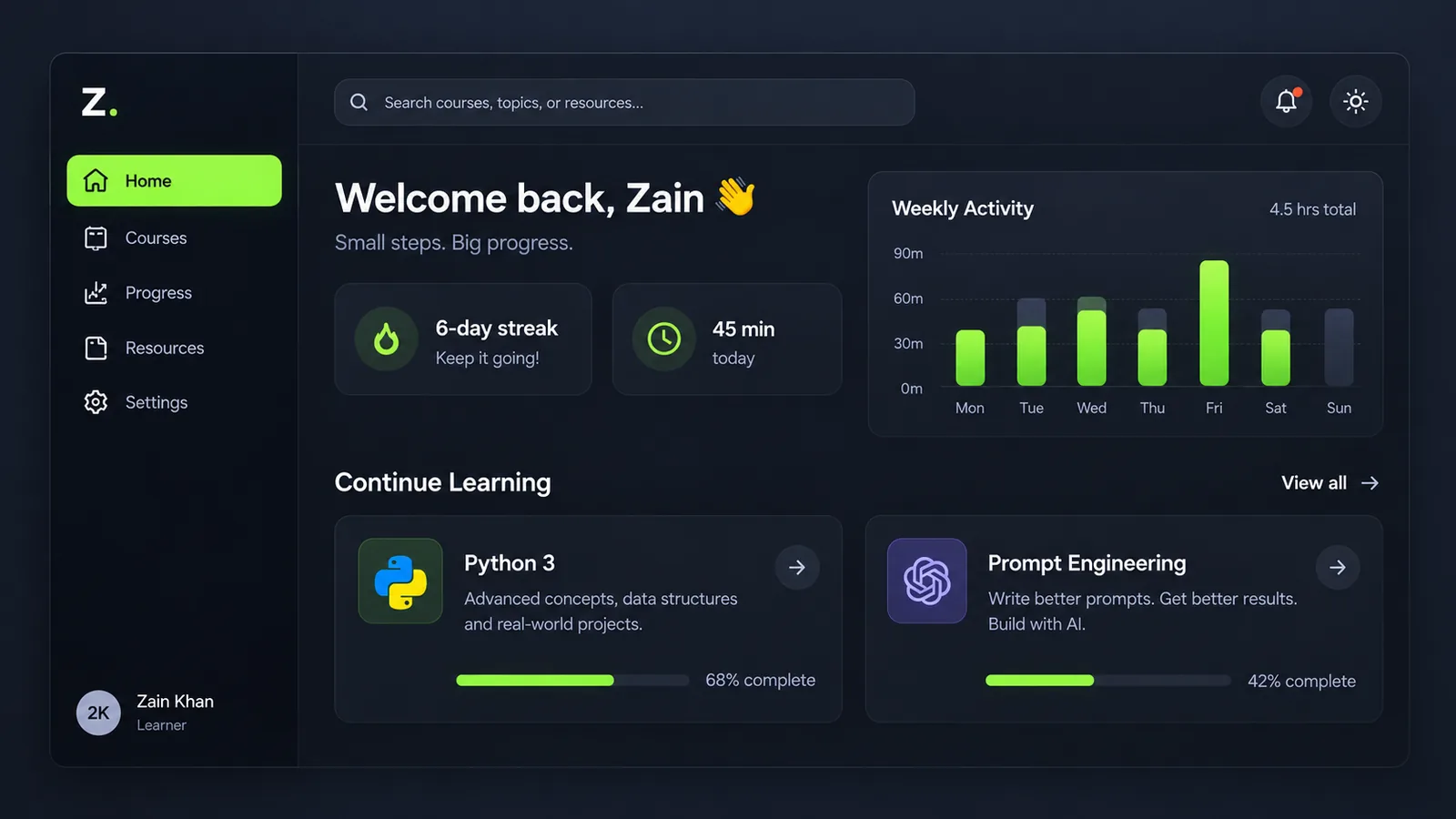
The concept resolves this by focusing on a few high-value features: active courses, progress percentages, weekly activity, study streaks, and simple resource access. For the prototype, local storage can be used to simulate persistence, allowing progress, preferences, and course data to feel interactive without needing a full backend system.
- Active course cards.
- Progress indicators.
- Weekly activity chart.
- Study streak widget.
- Lightweight local storage concept.
User-Centric Design
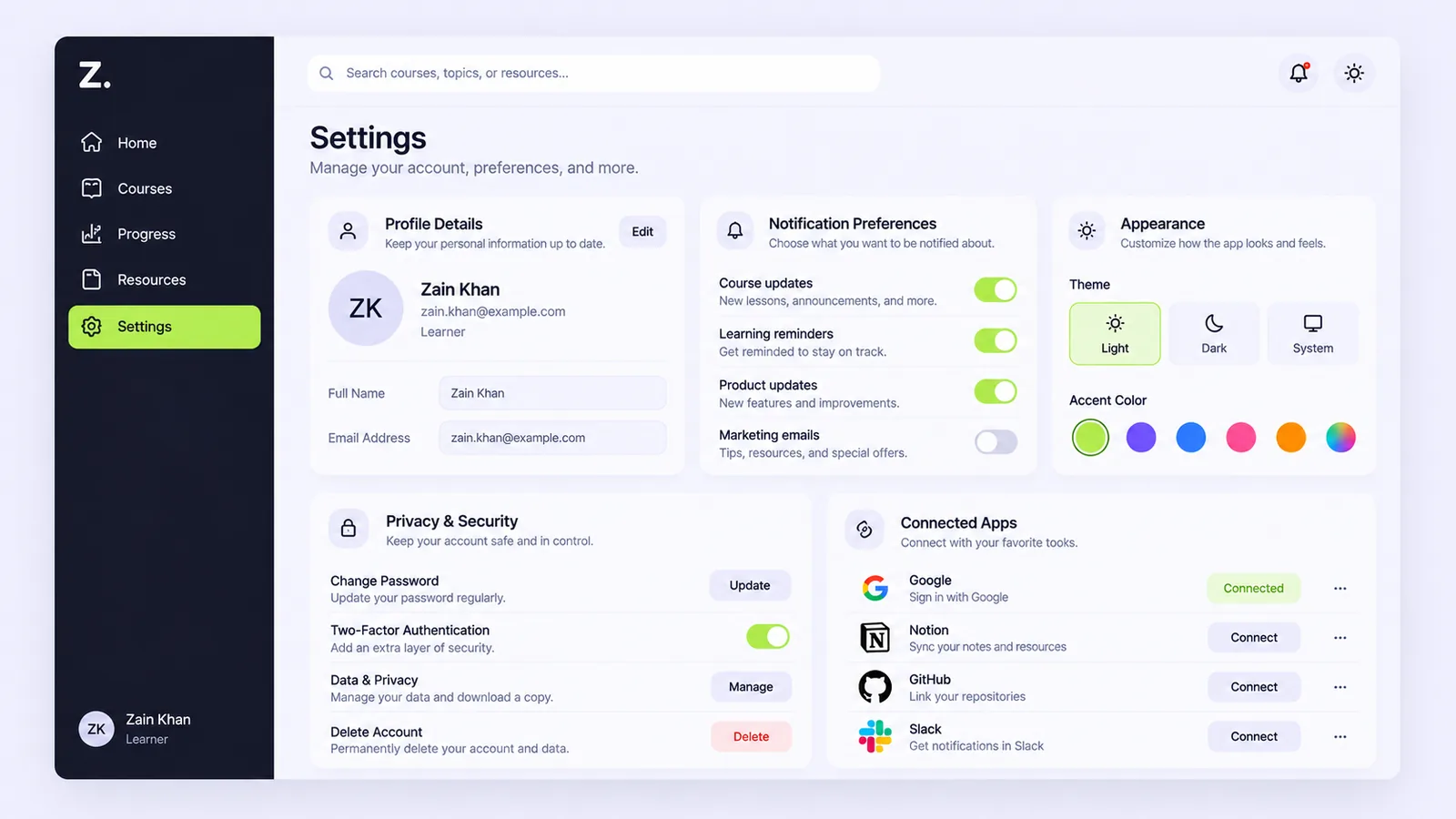
The design is built around the learner. It uses soft colors, clear spacing, accessible contrast, simple navigation, and friendly micro-interactions to make learning feel less stressful. Every section is designed to answer a simple question: what am I learning, how far have I progressed, and what should I do next?
- Calm visual design.
- Clear information hierarchy.
- Simple progress tracking.
- Motivational streaks.
- Easy navigation between learning areas.
Explore more projects
See the full collection of SaaS concepts, workflow systems, and AI automation experiments.